Tiny Planes How to Play: Beginner Guide to Your Airfield
Learn Tiny Planes how to play on Roblox: build your first airfield, hire pilots, dispatch routes, fly with autopilot, and redeem codes for fast early cash.
Tiny Planes looks like a cute flight toy, but it is a full airfield tycoon where every runway, pilot and route shapes how fast your money grows. If you're looking for Tiny Planes how to play basics, this guide covers the opening tutorial, the flight controls, earning cash, building a better airport and the codes that give you a huge head start. Get these fundamentals right and you'll go from a grass strip with a single Cessna to a busy multi-runway hub much faster.
What You Actually Do in Tiny Planes
Tiny Planes is a Roblox simulation game from XeroInteractive where you build and run your own airport. The core loop looks like this:
- Build runways, taxiways and stands.
- Buy aircraft and recruit pilots to fly them.
- Dispatch planes on routes or take jobs to earn cash.
- Reinvest that cash into a bigger airfield and a bigger fleet.
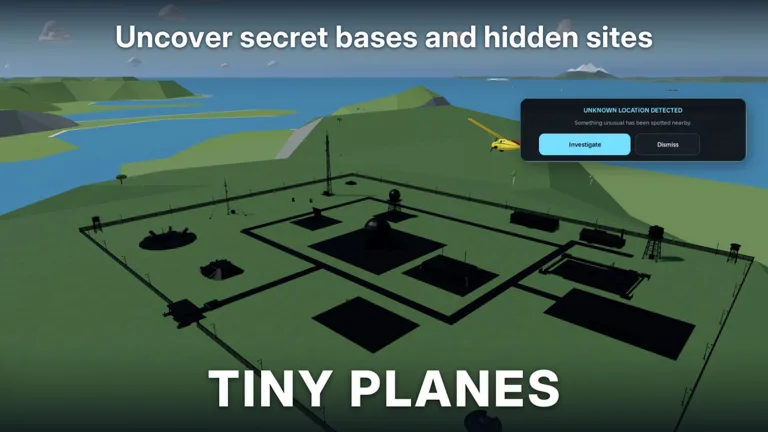
You can also take the controls and fly any plane yourself, run disaster rescues, restore barn finds and hunt for hidden locations around the islands.
Key facts about the game:
- More than 150 real aircraft to collect, from gliders and Cessnas to private jets, regional airliners and helicopters
- Routes span four islands
- Up to 5 players per server, each with their own island
- Created on Roblox on October 15, 2026
Your First Airport: Following the Tutorial
The tutorial highlights every placement with a yellow marker, so you can't really get it wrong. Here's the order you'll go through:
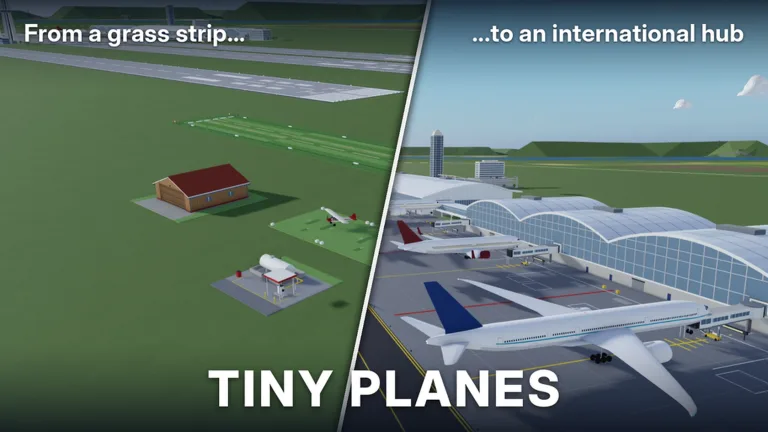 Image: Roblox / XeroInteractive
- Lay a grass runway where the marker shows.
- Place a tie-down stand. This is where your plane parks. Check that it faces the right way before confirming.
- Connect it with a grass taxiway.
- Open the Shop and claim your free starter plane.
- Go to Pilots and recruit one, then assign them to the plane.
- Hit Dispatch and send the plane on its first flight.
After that, the game hands you a plane to fly yourself and a target airfield to land at. Once you're done, you're free to play. Choose between a solo game, your own private server or a live session with up to five airports.
Flight Controls and Autopilot
You don't have to fly manually to make money, but you'll need these controls for jobs, exploring and rescues:
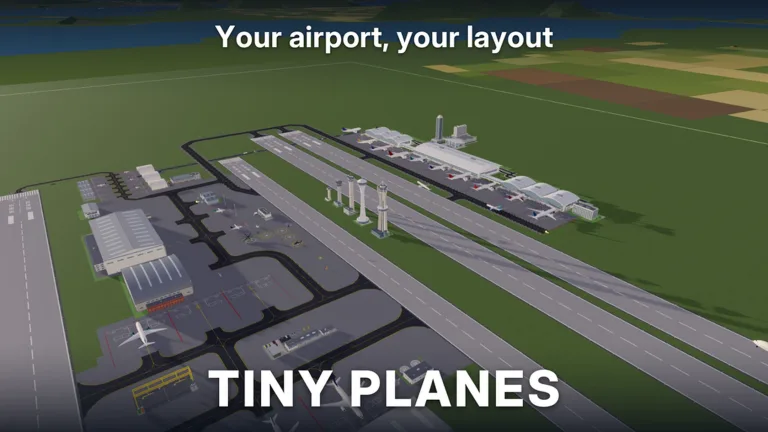 Image: Roblox / XeroInteractive
| Key | Action |
|---|---|
| Shift | Throttle up |
| Ctrl | Throttle down |
| W / S | Nose up / down |
| A / D | Roll left / right |
| Space | Brakes |
| Mouse (right / middle click) | Look around |
| L | Legs |
| T | Autopilot (pick a field) |
| C | Controls list |
| V | Camera |
| H | Hide UI |
| M | Map |
The autopilot is a lifesaver. Press T, pick a destination field, and the plane turns, lines up, descends and lands on its own. For a manual landing, cut the throttle and lower the nose gently as you approach the strip. If you overshoot or bounce, you'll have to circle back and try again, so use autopilot on any job where time matters.
How to Make Money Fast
Cash funds everything: new airports, aircraft slots, fleet upgrades and operating costs. These are the main ways to earn it.
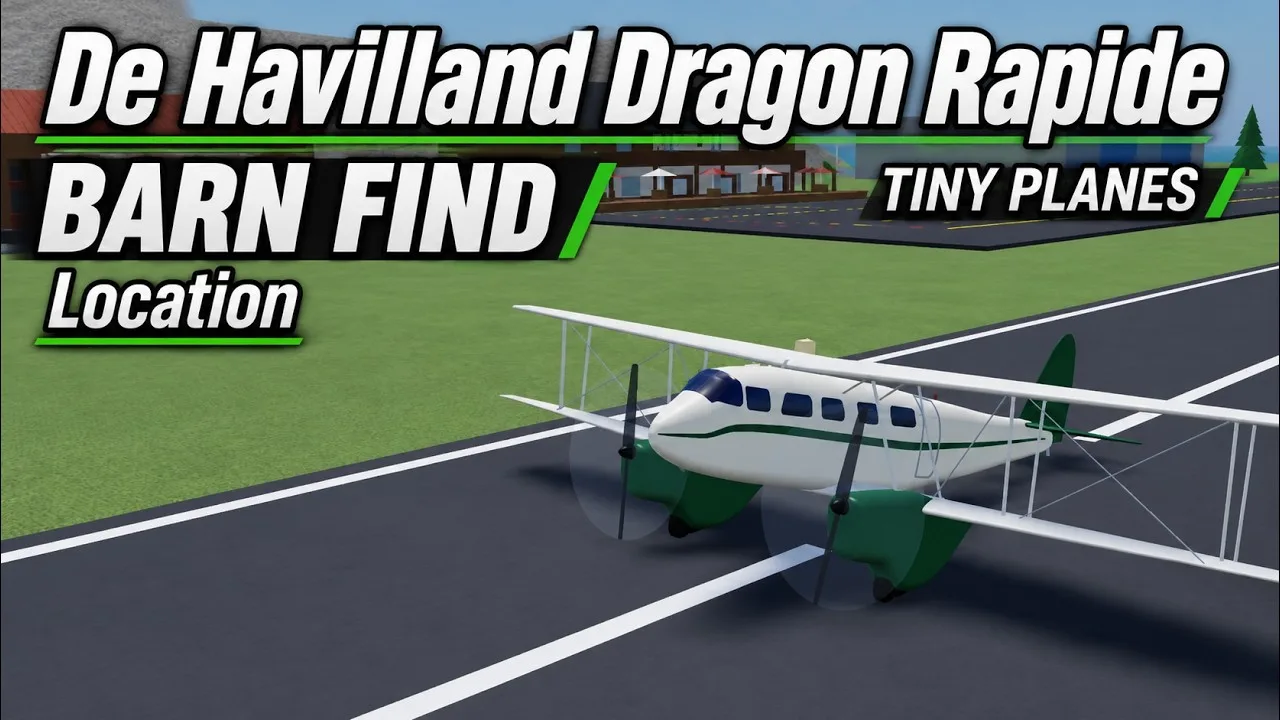
Dispatch your whole fleet constantly. Idle planes earn nothing. Every aircraft needs an assigned pilot before it can be dispatched. The route screen shows each destination's payout, so compare them before you send a plane out. A far route can run as long as 1 hour and 16 minutes, so send planes out first and work on your airport while they fly.
Use Repeat Route. Once a route works, set it to repeat so the plane keeps cycling without you re-dispatching it.
Take jobs from the job board. Jobs pay well for short hops. For example, flying a single passenger to a nearby airport can pay a few hundred to a few thousand cash. Have your crew fly them on autopilot, or take the controls yourself.
Collect your rewards. Claim the daily reward and the playtime reward every session, and collect finished contracts from the menu. They add up quickly early on.
Watch the early goals. The game gives you objectives such as buying an aircraft, flying to three different airports and reaching airport level three. Clearing them feeds your cash and levels.
Keep in mind that early on you're limited to one stop per route and two simultaneous flights. Plan for that cap by putting your best pilots on your best-paying routes.
Pilots, Aircraft and the Shop
Pilots come in rarities such as Common, Rare and Legendary. You can get them in three ways:
- Pilot Recruitment, by spending recruitment tokens or simply hiring
- Pilot School
- Codes, several of which hand out a free Legendary Pilot (see below)
Put your highest-rarity pilots on your longest, best-paying routes. Use the Reassign option to swap pilots between planes.
The aircraft shop gets new stock every 15 minutes. Bigger aircraft unlock as your airport levels up. Regional jets like the Embraer sit several levels above a starter airport, so treat them as a mid-term goal. When you dispatch, you can also set lighting such as nav and landing lights, or just leave everything on Auto.
Building and Expanding Your Airfield
As money comes in, open Build mode and turn your grass strip into a real airport. Useful additions include:
- A second runway to handle more traffic
- Extra stands and taxiways so each new plane has a home
- A terminal and cafe for passenger traffic
- A fuel station, hangar and cargo shed
- A wind sock and air traffic control tower. The tower actually gives callouts.
- Concrete flooring and surface car parking
You can also expand your land, use Move to rearrange buildings and sell anything that looks messy.
The Build Update reworked construction completely. It shows up as the Building Rework event running from November 11 to November 28, 2026. Here's what it changed:
- Click-and-drag taxiways, roads and paths with smooth curves at any angle. Junctions and runway entries connect automatically.
- Runways of any length and angle, and they can cross each other.
- Aprons and floors are single stretchy pieces you can drag across the field.
- Terminal piers and concourses snap together, with gates on both sides and self-fitting jet bridges.
- Traffic control with one-way taxiways, runway roles and hold points.
- Select mode with copy and paste, undo, a snap toggle, road-free buildings and save slots for different layouts.
- Custom parts you can resize, rotate and paint to build your own hangars, towers and lights.
Anything you built before the rework stays exactly as it was.
Disasters, Careers and Multiplayer
The Extreme Weather update on November 7, 2026, brought tornadoes, hurricanes, earthquakes, tsunamis, wildfires, volcanic eruptions and meteor strikes to the islands. When the sirens go off, emergency jobs appear, such as dropping sensor probes near tornadoes. These jobs pay big and come with exclusive rewards. The update also added:
- Four careers to rank up: Firefighting, Search & Rescue, Evacuation & Relief, and Storm Chasing & Recon. Ranking up unlocks better aircraft and bigger payouts.
- 28 new aircraft, and many existing planes now have career roles
- Reworked jobs that pay more, including banner towing, crop spraying, timed Express runs and skydive drops
In multiplayer, each player manages their own island. You can fly to friends' airports, use them as landing sites and team up on rescues.
Tiny Planes Codes for a Fast Start
Codes are the quickest way to skip the slow early grind. To redeem one, finish or skip the tutorial, click the Star icon at the top of the screen, type the code into the Enter a code box and hit Redeem. Codes are case-sensitive, so type them exactly as shown.
| Code | Rewards |
|---|---|
| N0TS0T1NYPLANE3 | 5,000,000 Cash, 5 Livery Cases, 5 Drone Cases, 5 Shop Restock Tokens, 5 Recruitment Tokens, Legendary Pilot |
| T1NYPL4N3S300K | 300,000 Cash, 1 Drone Case, Legendary Pilot |
| TINYBUILD3RS | 60K Cash |
| 1KLIKES | Cash (scales with your level), 1 Livery Case, 2 Drone Cases, 4 Recruitment Tokens, Legendary Pilot |
Redeem N0TS0T1NYPLANE3 first, since it carries the largest reward on the list.
Game passes are optional, but here's what they cost if you want to speed things up:
- 2x Cash: 299 Robux, which doubles every cash source
- Infinite simultaneous flights: 1000 Robux, which removes the flight cap
- Auto-Maintenence+: 299 Robux
- Pilot Academy: 149 Robux
- Freebuild: 99 Robux, for building with no grid and no collisions (runways, taxiways and stands still collide)
- Boost Bundle: 749 Robux, which includes 2x Cash, Bigger Fleet, Auto-Maintenance+ and Pilot Academy
You can jump in through the Tiny Planes page on Roblox.
FAQ
Do I have to fly the planes myself?
No. Dispatched planes fly their routes automatically, and pressing T engages autopilot on any flight you take yourself.
Where do I report bugs?
Go to Settings, then Feedback, inside the game.
Where can I find new codes?
Check the developer's XeroInteractive Discord server.
Continue with
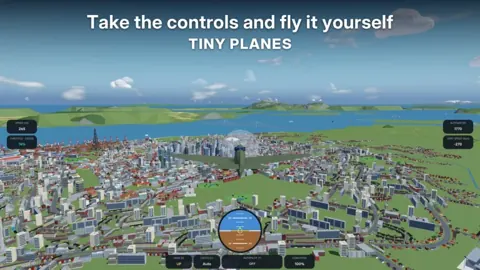 Tiny Planes Levels Guide: How to Level Your Airport FastTiny Planes levels explained: which aircraft wait at airport levels 7 and 9, early goals, codes, autopilot tips and passes that help grow your airfield.
More in Guide
Tiny Planes Controls: Every Key, Autopilot & Flying Tips
Learn the Tiny Planes controls for Roblox: throttle, pitch, roll, brakes, autopilot and map keys, plus dispatch and build mode tips to land every flight.
Tiny Planes Get Cash Fast: Codes, Routes & Money Tips
Tiny Planes get cash fast guide: redeem working codes, dispatch long routes, hire pilots and claim daily rewards to fund your dream airport on Roblox.
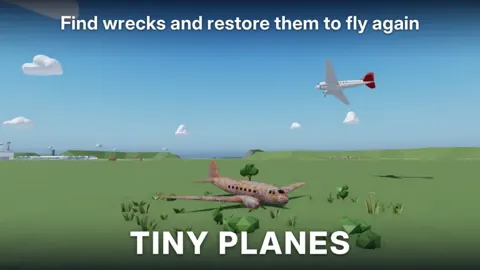
Tiny Planes Guide: Build Your Airport and Earn Cash Fast
Our Tiny Planes guide covers airport building, flight controls, dispatch routes, pilots, codes and disasters on Roblox. Build a profitable airfield fast.
Tiny Planes Routes Guide: Dispatch, Autopilot & Fast Cash
Master Tiny Planes routes on Roblox: dispatch planes, use autopilot, repeat flights, and grow your fleet across four islands to earn cash faster today.
Continue exploring
Join the community
Official channels for news, updates and player help: