Tiny Planes Roblox Guide: Codes, Controls and Updates
Learn Tiny Planes Roblox basics: build your airfield, fly with the right controls, redeem active codes, and see the new Build and Extreme Weather updates.
Jump to
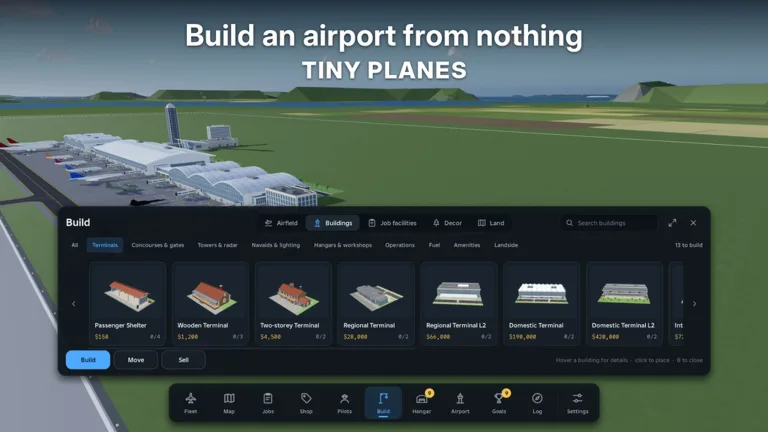
What Tiny Planes Is and Why It's Worth Your Time
If you've ever wanted to run your own airport and also hop into the cockpit yourself, Tiny Planes Roblox players get both in one package. XeroInteractive launched the game on October 15, 2026. It has already passed 845,000 visits, and its latest update landed on November 12, 2026. At its core it's an airfield tycoon. You lay out runways and taxiways, buy aircraft, hire pilots and dispatch flights for cash. When you feel like flying, you can take the controls of any plane in your fleet.
Here's what you're working with:
- A fleet pool of over 150 real aircraft, from small Cessnas and Pipers to regional jets, helicopters and warbirds
- Routes across four islands
- Servers that hold up to 5 players, each running their own island
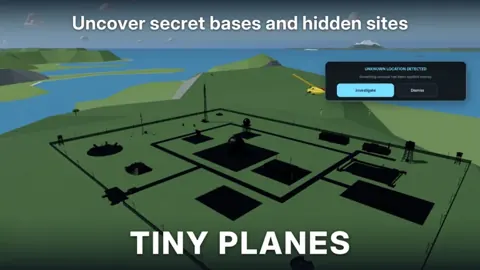
- Disaster rescues, barn-find restorations and hidden locations to explore
You can jump in from the Tiny Planes experience page on Roblox.
Your First Session: From Grass Strip to Paying Routes
The tutorial walks you through a basic grass airfield, and it's worth following step by step:
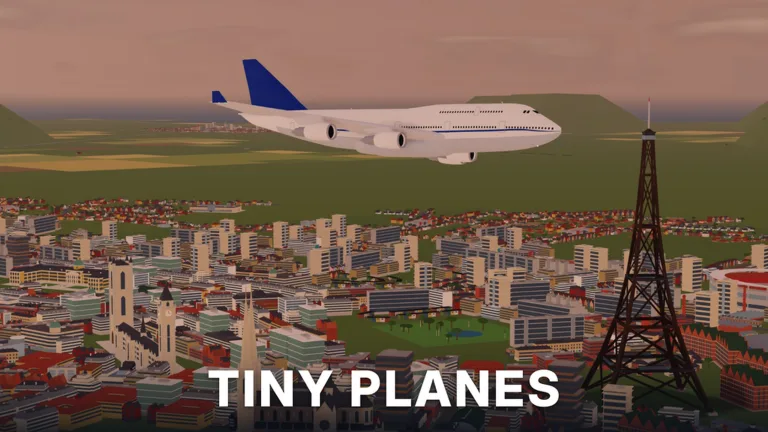 Image: Roblox / XeroInteractive
- Place a grass runway where the yellow marker points.
- Add a tie-down stand and a grass taxiway to connect it.
- Open the Shop and claim your free starter plane.
- Go to Pilots and recruit someone to fly it.
- Hit Dispatch and send the plane out on its first job.
After that the loop opens up. Each new aircraft needs a pilot before you can dispatch it. Pilots come in rarities such as Common, Rare and Legendary. Put your best pilot on your most valuable route. You can recruit pilots with tokens or hire them outright, and there's a pilot school option as well.
A few habits speed up early progress:
- Set routes to repeat. Once a plane completes a route, toggle repeat so it keeps earning while you build.
- Set lights to auto. You can manage nav and landing lights per aircraft, but auto handles it for you.
- Check the Shop often. Aircraft stock refreshes every 15 minutes.
- Claim your daily and playtime rewards. They hand out free cash and tokens.
- Pick long routes when you're stepping away. A distant job can run well over an hour, which keeps a plane busy while you're gone.
Early objectives ask you to buy an aircraft, fly to three different airports and reach airport level three. Early on you're limited to two simultaneous flights and one stop per route, so make each dispatch count.
Flight Controls
You don't have to fly manually. The autopilot will turn, descend and land on its own, which is a lifesaver if landings aren't your thing. When you do want the stick, here are the keyboard controls:
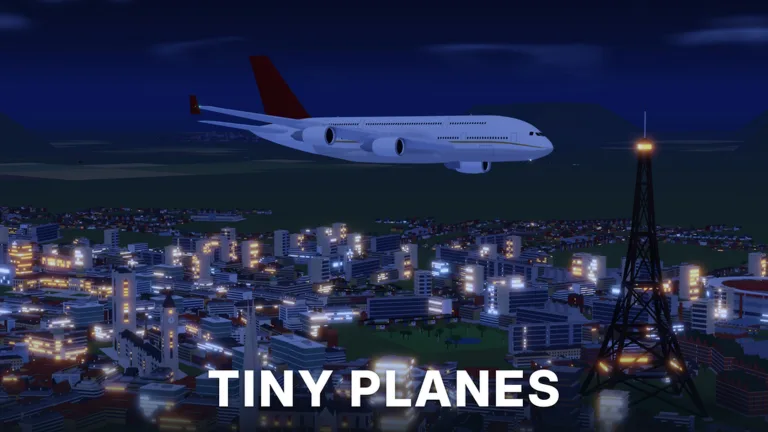 Image: Roblox / XeroInteractive
| Key | Action |
|---|---|
| Shift / Ctrl | Throttle up / down |
| W / S | Nose up / down |
| A / D | Roll left / right |
| Space | Brakes |
| Mouse (middle click) | Look around |
| L | Landing gear |
| T | Autopilot (pick a field) |
| C | Controls list |
| V | Camera |
| H | Hide UI |
| M | Map |
For landings, cut the throttle early and ease the nose down. Small planes roll hard if you overcorrect with A and D. If a job pays per passenger delivered, fly it manually only when the destination is close. Hand anything 30+ km away to autopilot or your crew.
Active Tiny Planes Codes
Codes are case-sensitive, so type them exactly as written. Zeros and number swaps are intentional.
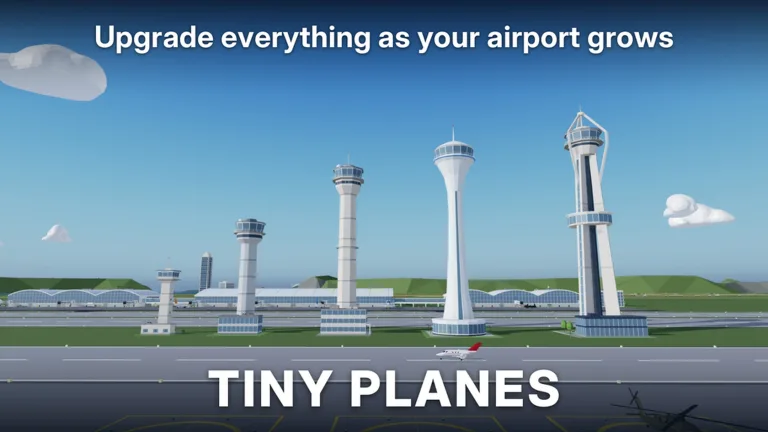 Image: Roblox / XeroInteractive
| Code | Rewards |
|---|---|
| TINYBUILD3RS | 60K Cash |
| T1NYPL4N3S300K | 300,000 Cash, 1 Drone Case, Legendary Pilot |
| N0TS0T1NYPLANE3 | 5,000,000 Cash, 5 Livery Cases, 5 Drone Cases, 5 Shop Restock Tokens, 5 Recruitment Tokens, Legendary Pilot |
| 1KLIKES | Cash (scales with your level), 1 Livery Case, 2 Drone Cases, 4 Recruitment Tokens, Legendary Pilot |
To redeem:
- Finish or skip the tutorial.
- Click the Star icon at the top of the screen.
- Type a code into the "Enter a code" box.
- Hit Redeem.
Redeem N0TS0T1NYPLANE3 first to grab the 5,000,000 Cash along with its stack of cases and tokens. Search the XeroInteractive Discord server when you want to hunt for more codes.
Recent Updates
Multiplayer (October 29, 2026)
Multiplayer arrived a day ahead of schedule. You can share a server with friends, fly to each other's airports, use them as landing sites, and team up on rescue missions.
Extreme Weather (November 7–14, 2026)
This update brought natural disasters to the islands, and emergency jobs pay big:
- Tornadoes, hurricanes, earthquakes, tsunamis, wildfires, volcanic eruptions and meteor strikes
- Four new careers to rank up: Firefighting, Search & Rescue, Evacuation & Relief, and Storm Chasing & Recon
- Ranking up unlocks better aircraft and bigger payouts
- 28 new aircraft, and many existing planes now have career roles
- Every job reworked to be unique, with higher pay across the board. Banner towing, crop spraying, timed Express runs and skydive drops are among 20+ job types
When the sirens go off, take the emergency job. These jobs pay big and come with exclusive rewards. Storm-chasing tasks, like dropping sensor probes near tornadoes, require you to fly the plane yourself.
The Build Update
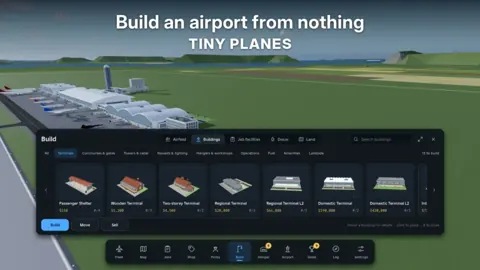
Build mode got a full rework, and your existing airport stays exactly as you built it:
- Click and drag taxiways, roads and paths with smooth curves at any angle. Junctions and runway entries connect automatically
- Runways of any length and angle, and they can cross each other
- Aprons and floors that stretch as single pieces across your airfield
- Terminal piers and concourses that snap together, with gates on both sides and self-fitting jet bridges
- One-way taxiways, runway roles and hold points to control traffic
- Copy and paste, undo, a snap toggle, road-free building versions and save slots for different layouts
- Custom parts you can resize, rotate and paint to make hangars, towers and lights
Use the save slots to experiment with a new layout without wrecking the airport that's currently earning you money.
Game Passes
Everything here is optional, but some passes change how fast you progress:
| Pass | Price | What it does |
|---|---|---|
| Infinite simultaneous flights | 1000 Robux | Removes the flight cap |
| Upgrade Bundle | 899 Robux | All upgrade passes at a discount |
| Boost Bundle | 749 Robux | 2x Cash, Bigger Fleet, Auto-Maintenance+, Pilot Academy |
| 2x Cash | 299 Robux | Doubles all cash sources |
| Bigger Fleet | 299 Robux | Larger fleet |
| Auto-Maintenence+ | 299 Robux | Automatic, quicker aircraft maintenance |
| Discovery Map | 299 Robux | Map pass |
| Creative Bundle | 199 Robux | Freebuild, Colour Wheel, Paint Finishes |
| Pilot Academy | 149 Robux | Pilot pass |
| Freebuild | 99 Robux | No grid or collisions; runways, taxiways and stands still collide |
| RGB Colours | 99 Robux | Any livery colour |
| Materials | 49 Robux | Livery material selection |
| Extra Saves | 29 Robux | Additional saves |
If you're eyeing 2x Cash, Bigger Fleet and Auto-Maintenance+ anyway, the Boost Bundle costs less than buying them separately.
What's Coming Next
XeroInteractive's roadmap, in no set order:
- Realistic flight handling
- New aircraft every week, chosen by community vote
- Airport reputation and airport visitors
- Aircraft performance upgrades
- Flight challenges and seasonal events
- More regions
- Moving ships and carriers
FAQ
How many players can join a Tiny Planes server?
Up to 5. Each player gets their own island and airport, and you can visit and land at friends' airfields.
What is the Alpha Tester badge?
It's the badge for players who played Tiny Planes during the alpha test, and it has been awarded 1,722 times.
Where do I report bugs?
In-game, open Settings and choose Feedback.
Do I have to fly the planes myself?
No. Dispatched planes fly with your pilots, and autopilot (T) can handle full flights when you're in the cockpit. Some emergency and storm-chasing jobs need hands-on flying.
Continue with
 Tiny Planes Discord: Join the Server for Codes and NewsFind the Tiny Planes Discord from XeroInteractive, grab the newest codes and build update news, and learn how to redeem rewards and report bugs in-game.
Continue exploring
Tiny Planes Terminals: Build Update Gates, Piers & Tips
Tiny Planes terminals got a major boost in the Build Update. Learn how piers, gates and jet bridges work, plus what to build around your new terminal.
Tiny Planes Create Guide: Build Your Dream Airport Fast
Our Tiny Planes create guide covers curved runways, jet bridge gates, custom part building, Freebuild, and a 150+ real aircraft fleet across four islands.
Join the community
Official channels for news, updates and player help: