
Tiny Planes Airport Designs: Build a Smarter Airfield
Plan better Tiny Planes airport designs with layout tips for runways, terminals, hangars and fuel stations, plus build tools, Freebuild and codes for cash.
Jump to
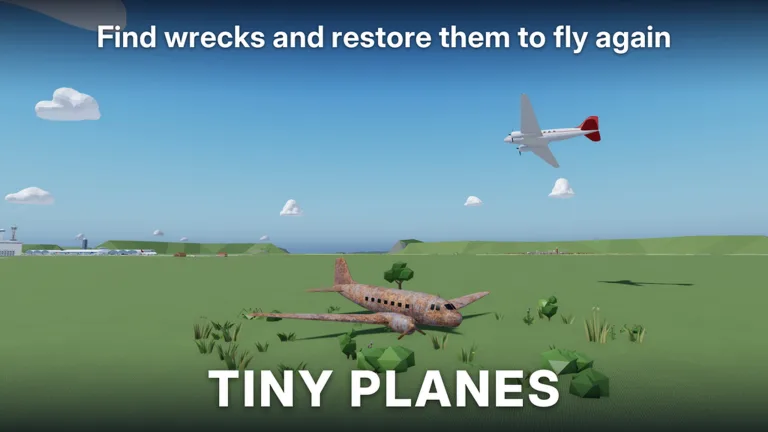
Why Your Layout Matters in Tiny Planes
Your airfield is the heart of everything you do in this Roblox sim. It's where your fleet takes off, lands, refuels and earns the cash that pays for the next expansion. Good Tiny Planes airport designs keep that loop clean and fast. They also give you a field you actually want to show off when friends fly in.
XeroInteractive launched the game on Roblox on October 15, 2026. The Build Update has since turned the airport editor into a real creative sandbox. Here's how to use it well, from your very first runway to a busy multi-strip hub.
The Build Tools You're Working With
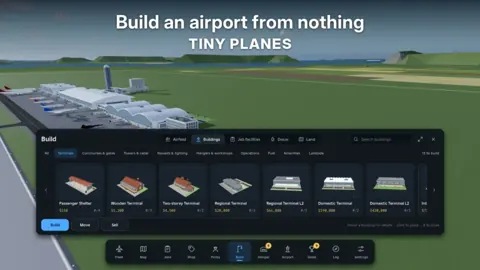
The Build Update gave the editor a much bigger toolkit. It now lets you:
- Draw curved taxiways, roads and runways at any angle. Diagonal strips and sweeping taxi routes are fair game.
- Add gates with self-fitting jet bridges. The bridges adjust to the stand on their own.
- Control how your planes taxi, take off and land. Route the ground traffic you want instead of the traffic you get.
- Build custom structures by resizing, rotating and painting parts. Use them for hangars, control towers, lights or anything else you can dream up.
The Move option sits right in the build menu, so a building you've placed isn't locked forever. If something looks off, you can also sell it and try a different spot.
Your First Runway and Core Buildings
The tutorial starts you with a runway. Yellow markers show exactly where each piece goes, so follow them step by step. After that, the shop hands you a free plane and has you recruit a pilot.
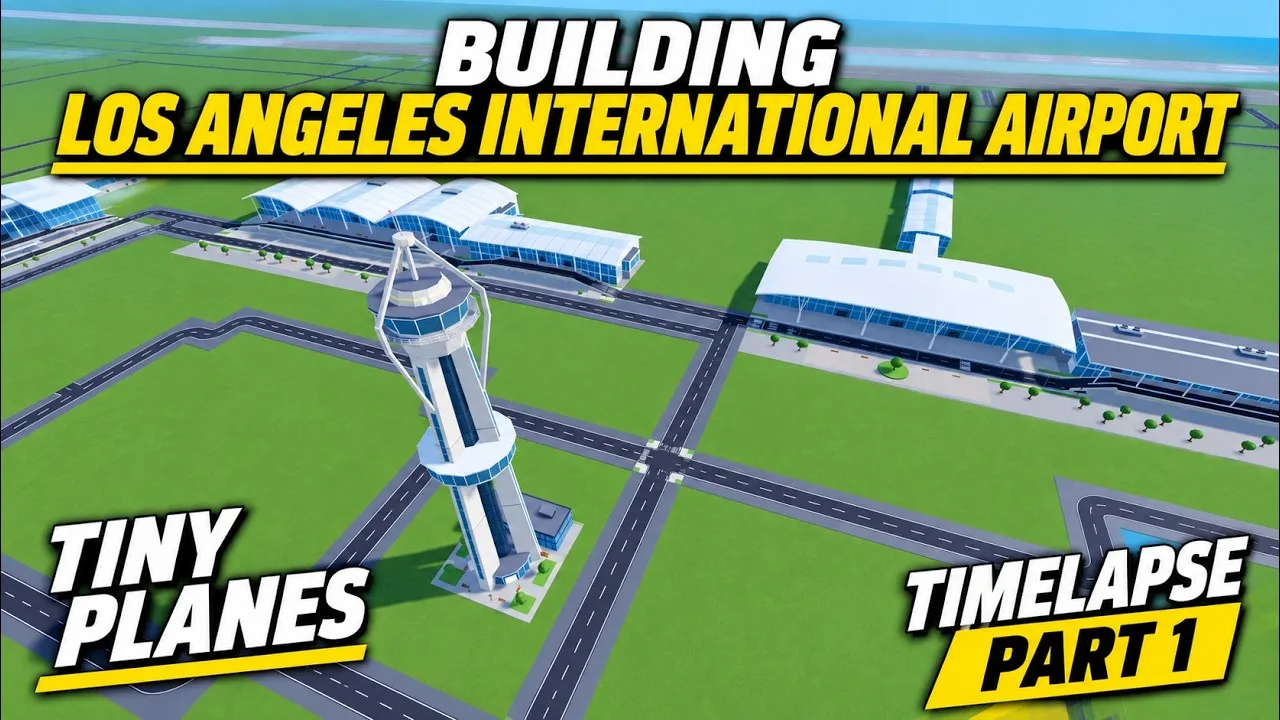
Once you're past the tutorial, build out in roughly this order:
- Lay concrete flooring around the area you plan to develop. Some buildings, like the cafe, ask you to give them a paved plot before they'll go down.
- Place a terminal, then cluster small extras like a cafe right next to it.
- Add a fuel station close to the main buildings so it doesn't end up stranded at the far end of the field.
- Put a hangar at the edge of the airfield. That keeps the center open for taxiways and stands.
- Drop a cargo shed near the hangar to round out the working side of the airport.
A windsock is a nice detail, but it can overlap grass setups. Find a clear patch for it before committing.
Scaling Up: Double Runways and Extras
When the money starts flowing, a second landing strip is the natural upgrade for a growing fleet. From there, you can fill out the landside with:
- Surface car parking. Place it with care, because a poorly placed lot can make the whole field look cluttered. Sell it and re-place it if it doesn't fit.
- A club and other decorative buildings once your core operations are covered.
Group buildings by purpose. Put the terminal and cafe together, keep fuel near the action, and push hangars and cargo to the edges. Every new piece added this way makes the airport feel more intentional.
Funding Your Build
Big layouts cost big money, so keep the cash coming while you design:
- Claim the daily reward and the playtime reward every session. Both give you cash, and the daily also hands out tokens.
- Dispatch your whole fleet before you open the build menu. Long routes can run over an hour; one far-off dispatch took 1 hour and 16 minutes to finish. Your planes earn while you redecorate.
- Keep pilots on staff. Planes don't fly without them. Hire through pilot recruitment with cash or tokens, or train new ones at pilot school.
Redeem these codes for a head start. They're case sensitive, so type them exactly as shown:
| Code | Rewards |
|---|---|
| N0TS0T1NYPLANE3 | 5,000,000 Cash, 5 Livery Cases, 5 Drone Cases, 5 Shop Restock Tokens, 5 Recruitment Tokens, Legendary Pilot |
| T1NYPL4N3S300K | 300,000 Cash, 1 Drone Case, Legendary Pilot |
| TINYBUILD3RS | 60K Cash |
| 1KLIKES | Cash (scales with your level), 1 Livery Case, 2 Drone Cases, 4 Recruitment Tokens, 1 Legendary Pilot |
To redeem, click the Star icon at the top of the screen. Type the code into the Enter a code box, then hit Redeem.
Game Passes for Builders
If you want more creative freedom, a few passes on the Tiny Planes Roblox page are aimed straight at builders:
- Freebuild (99 Robux): Removes the grid and collisions. Runways, taxiways and stands still collide, so your aircraft won't run into each other.
- Creative Bundle (199 Robux): Freebuild, the Colour Wheel and Paint Finishes in one pack.
- 2x Cash (299 Robux): Doubles all cash sources, which speeds up every expansion.
- Extra Saves (29 Robux): Handy if you want to experiment with different layouts.
Showing Off Your Airport in Multiplayer
Servers hold up to 5 players, and each player gets their own island. You can fly to each other's airports and team up on rescues. That makes multiplayer the perfect place to borrow ideas from someone else's layout, or to show off yours.
The developer's roadmap also lists airport reputation and airport visitors as future additions. Building a field that looks the part now could pay off once those features arrive.
Continue with
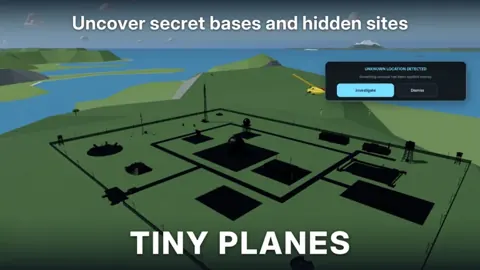 Tiny Planes Airports Guide: Build a Money-Making AirfieldThis Tiny Planes airports guide covers runways, stands, terminals, the Build Mode rework, and dispatch tips to grow your airfield and fleet fast on Roblox.
More in Airports
Tiny Planes Custom Hangars: Build Guide and Placement Tips
See how Tiny Planes custom hangars work after the Build Update: resize, rotate and paint parts, plan your airfield layout, and fund it with cash codes.
Tiny Planes Runways: How to Build and Lay Out Your Airfield
Learn how Tiny Planes runways work after the Build Update: draw them at any angle, set runway roles and hold points, and lay out a busier airfield fast.
Tiny Planes Taxiways Guide: Build Curved Routes That Flow
Learn how Tiny Planes taxiways work after the Build Update: draw curved paths, set one-way routes and hold points, and keep your airport traffic moving.
Tiny Planes Terminals: Build Update Gates, Piers & Tips
Tiny Planes terminals got a major boost in the Build Update. Learn how piers, gates and jet bridges work, plus what to build around your new terminal.
Join the community
Official channels for news, updates and player help: