Tiny Planes Terminals: Build Update Gates, Piers & Tips
Tiny Planes terminals got a major boost in the Build Update. Learn how piers, gates and jet bridges work, plus what to build around your new terminal.
Jump to
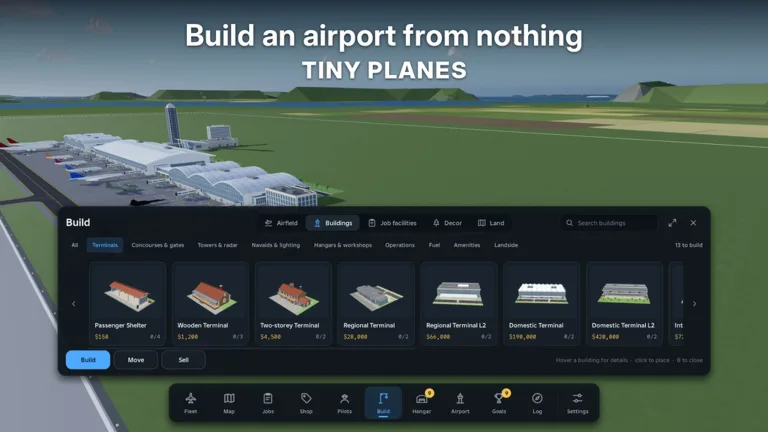
A runway and a couple of tie-down stands will get your first Cessna off the ground, but an airfield only starts to look like a real airport once you add a passenger building. Tiny Planes terminals got a big upgrade in XeroInteractive's Build Update, with piers and concourses that snap together and gates on both sides. This guide covers how terminals and gates work now, where to place them, what to build next to them, and which tools and passes make the job easier.
How Terminals Work After the Build Update
The Building Rework event runs from November 11 to November 28, 2026. It is the biggest overhaul of Build Mode so far, and the experience now carries the Build Update tag on Roblox. For terminals, these are the changes that matter:
- Piers and concourses snap together. You can extend a terminal into long piers without lining up every piece by hand.
- Gates on both sides. Concourses now have gates on both sides.
- Self-fitting jet bridges. Gates come with jet bridges that fit themselves to the aircraft.
- Road-free versions of every building. You can place a terminal deep in the airside area without running a road to it.
- Traffic control. One-way taxiways, runway roles and hold points let you decide how planes move between the runway and your gates.
Anything you built before the rework stays exactly as it was, so an older terminal won't break when the update lands.
Official page: Tiny Planes (roblox.com)
Placing Your First Terminal
Terminals live in the Build menu alongside hangars, cargo and facility pieces. Some buildings won't place on bare grass. If you see a "give it a paved plot" message, lay flooring first.
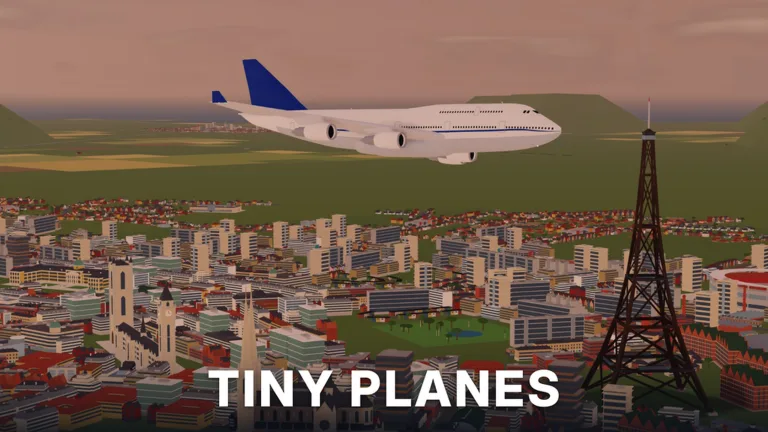 Image: Roblox / XeroInteractive
- Open Build and put down a concrete surface where the terminal will sit. Aprons and surfaces are now single stretchy pieces you can drag across the whole airfield, so cover the terminal area and the space in front of your gates in one go.
- Place the terminal on the paved area, then snap piers or concourses onto it.
- Draw curved taxiways from the gates to your runway. Junctions and runway entries connect on their own, so you no longer need to hunt for corner pieces.
- If a building ends up in the wrong spot, use Move instead of tearing it down. If you don't like how a piece looks, sell it.
Before you place stands, check which way they face. They have a direction, and it's easy to put one down backward.
What to Build Around the Terminal
A terminal works best as the center of a cluster of support buildings. These are the pieces available in Build Mode:
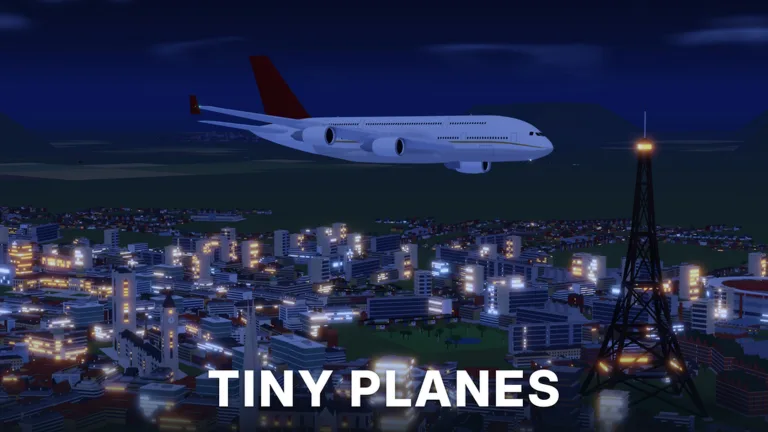 Image: Roblox / XeroInteractive
- Cafe: place it right next to the terminal. It also needs a paved plot.
- Fuel station: keep it near the terminal and stands so it isn't far from the rest of your operation.
- Hangar: put it at the edge of the field so it doesn't crowd the gates.
- Cargo shed: place it beside the hangar to keep freight separate from passengers.
- Surface car parking: set it on the landside of the terminal. If it looks messy, sell it and try a different spot.
- Wind sock and air traffic control: these round out the airfield. Wind socks can't overlap grass setups, so leave room for them.
- Second runway: add one once you have the cash. Space it away from the first runway rather than placing them side by side.
Keep dispatching flights while you build. Your fleet earns money in the background, and some long routes take over an hour to finish.
Build Mode Tools That Speed Things Up
The rework added several tools that make terminal layouts much less tedious:
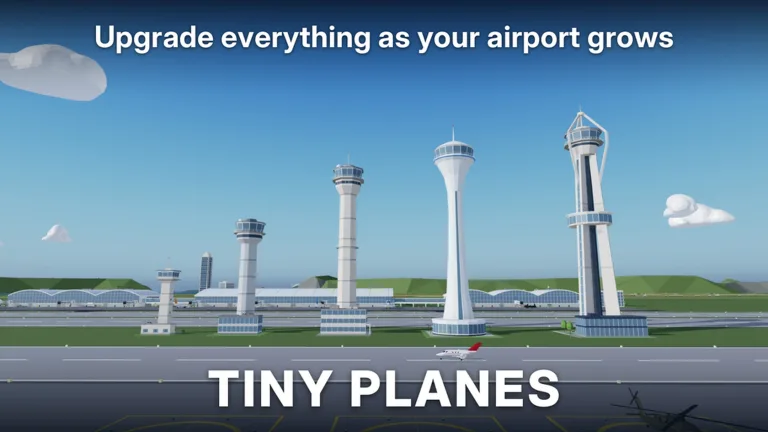 Image: Roblox / XeroInteractive
- Select mode with copy and paste: build one pier with gates, then duplicate it.
- Undo: fix a bad placement instantly.
- Snap toggle: turn snapping off for freeform layouts.
- Save slots: keep several airport layouts and switch between them.
- Custom parts: resize, rotate and paint parts to make towers, lights or decorative terminal details.
Passes and Free Cash for Bigger Terminals
If you build a lot, a few game passes are aimed directly at Build Mode:
| Pass | Price | What it does |
|---|---|---|
| Freebuild | 99 Robux | No grid and no collisions. Runways, taxiways and stands still collide so aircraft don't clip. |
| Creative Bundle | 199 Robux | Free Build, Colour Wheel and Paint Finishes |
To pay for a big terminal without spending Robux, redeem the active codes. Click the Star at the top of the screen, enter a code and hit Redeem:
| Code | Reward |
|---|---|
| N0TS0T1NYPLANE3 | 5M Cash, 5 Livery Cases, 5 Drone Cases, 5 Shop Restock Tokens, 5 Recruitment Tokens, Legendary Pilot |
| T1NYPL4N3S300K | 300k Cash, 1 Drone Case, Legendary Pilot |
Claim your daily and playtime rewards too. With over 5M in the bank, you can afford a full terminal, cafe, fuel station, hangar and cargo shed in a single session. In multiplayer, up to 5 players share a server, each with their own island, and friends can land at your airport. That makes a well-planned terminal worth the effort.
Continue with
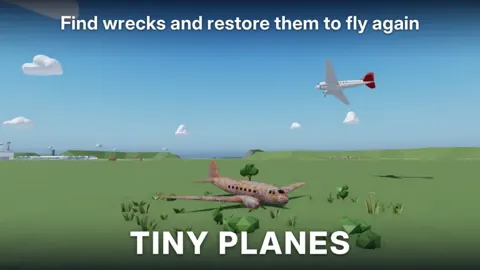 Tiny Planes Airport Designs: Build a Smarter AirfieldPlan better Tiny Planes airport designs with layout tips for runways, terminals, hangars and fuel stations, plus build tools, Freebuild and codes for cash.
More in Airports
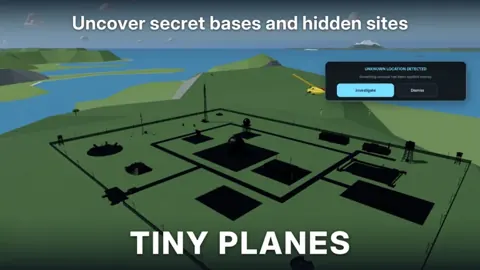
Tiny Planes Airports Guide: Build a Money-Making Airfield
This Tiny Planes airports guide covers runways, stands, terminals, the Build Mode rework, and dispatch tips to grow your airfield and fleet fast on Roblox.
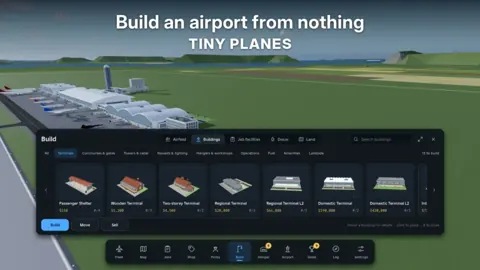
Tiny Planes Custom Hangars: Build Guide and Placement Tips
See how Tiny Planes custom hangars work after the Build Update: resize, rotate and paint parts, plan your airfield layout, and fund it with cash codes.
Tiny Planes Runways: How to Build and Lay Out Your Airfield
Learn how Tiny Planes runways work after the Build Update: draw them at any angle, set runway roles and hold points, and lay out a busier airfield fast.
Tiny Planes Taxiways Guide: Build Curved Routes That Flow
Learn how Tiny Planes taxiways work after the Build Update: draw curved paths, set one-way routes and hold points, and keep your airport traffic moving.
Join the community
Official channels for news, updates and player help: